
Module · Finance
From each close to a clear review.
Check cash differences, prepare a fiscal review, and see what is needed to reconcile the bank. Each result keeps its source so a person can review it.
Explore the demo app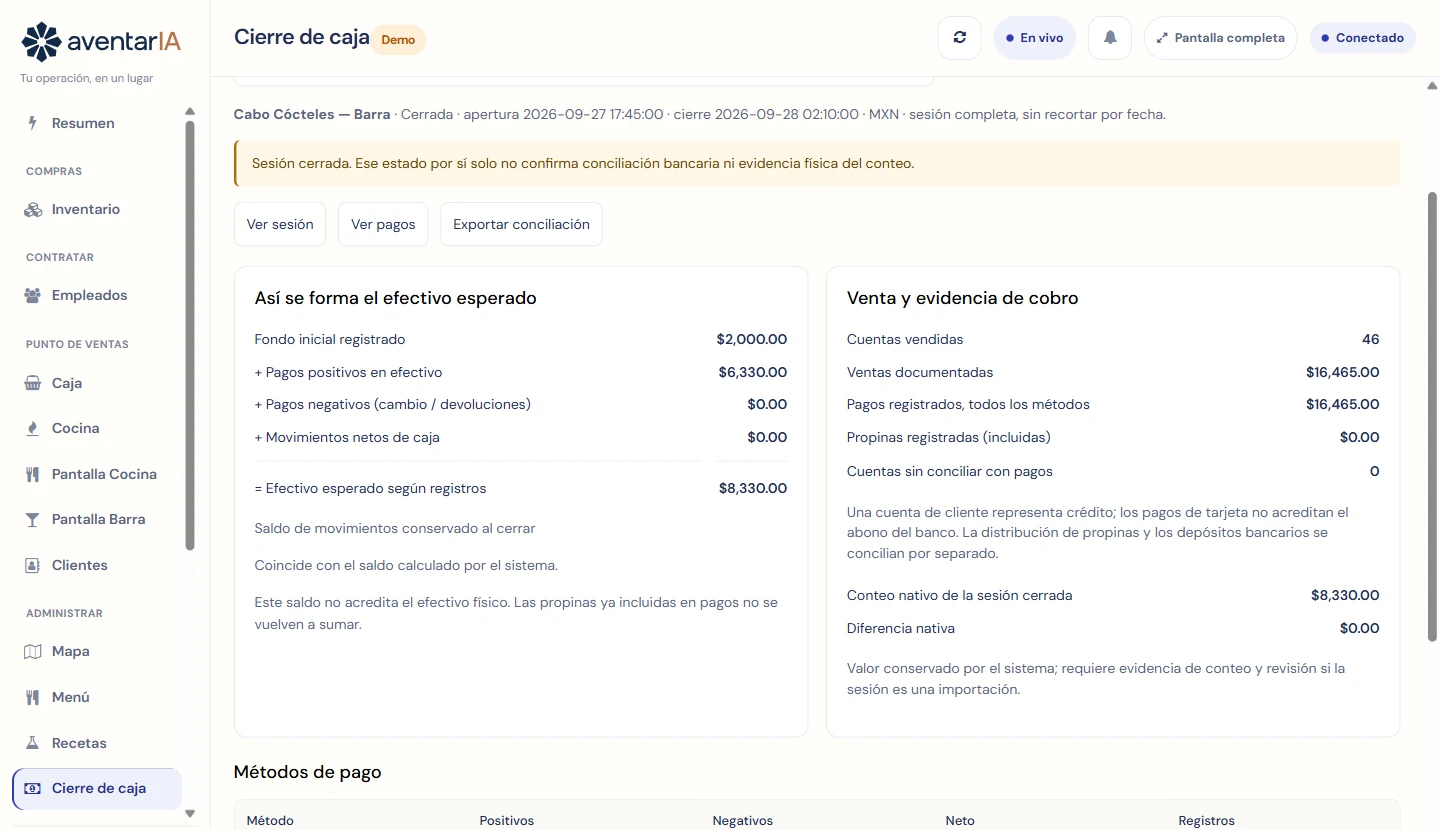
Three distinct steps
Keep the evidence in view.
Available
Cash closing
Review payments, differences, and each close's history.
Available
Tax and SAT
Review sales and tickets before preparing the global invoice. A person remains responsible for fiscal decisions and filing.
Connection required
Bank reconciliation
The Syncfy connector exists; it needs an authorized account, mapping, and received transactions before comparing activity.
See what works today.
The demo uses fictional data. The bank connection is shown as pending until an authorized account exists.
Open the demo